Poor UI performance + misbehavior with high resolutions
This is encountered with a 27" 4K monitor, set to 150% scaling in Windows. Yes, I know that it's not exactly ideal to be using 4K if I have to scale it anyway, but it's borrowed while I replace my main monitor.
The vitals HUD is clipping the left edge of the screen, and is not properly scaled for the screen resolution:
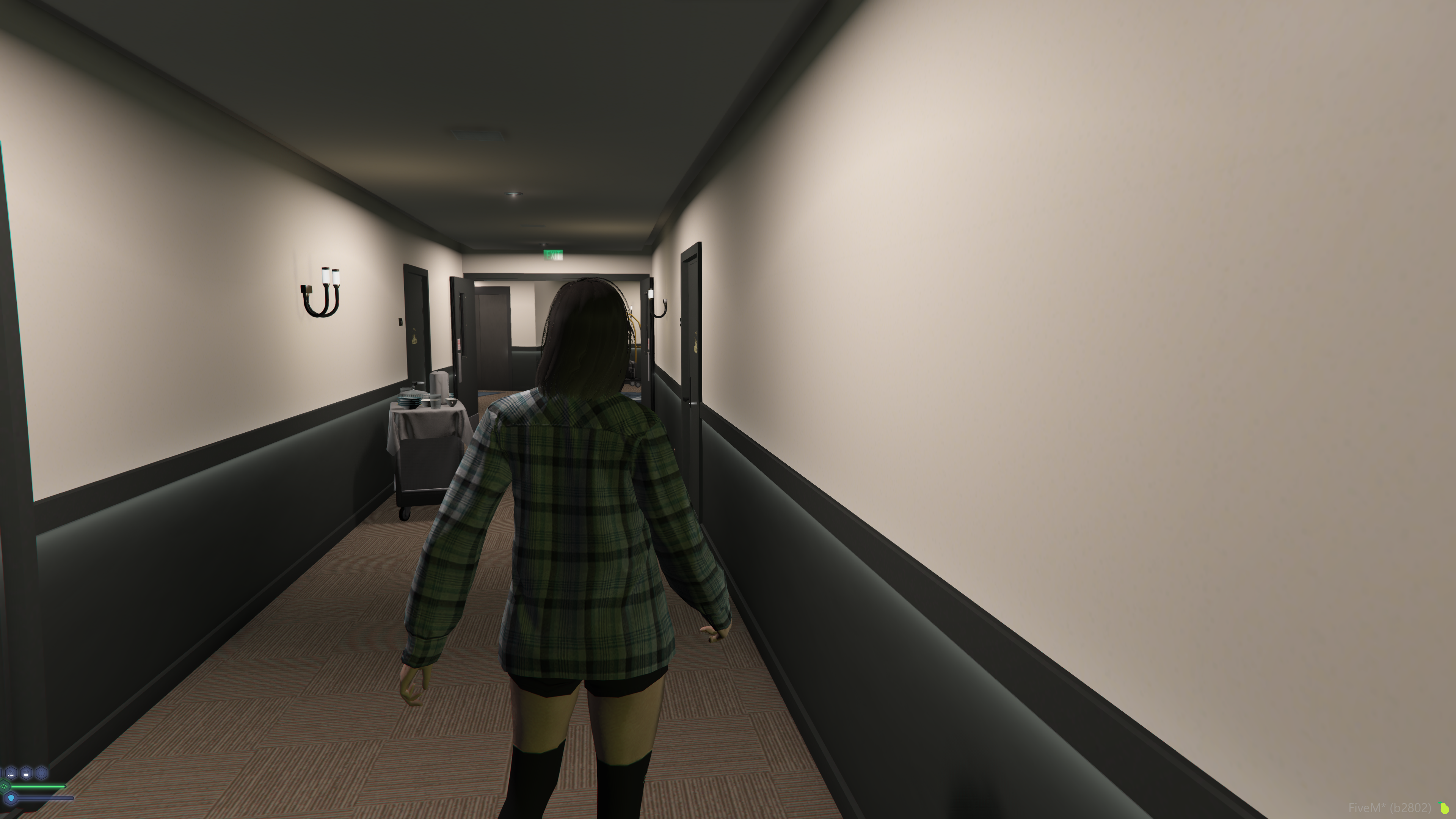
The poor scaling applies to all other custom UIs, too. The GTA built-in UI remains large, perhaps too large, whereas the custom UIs are almost unreadable in some cases.
Log in to comment and vote
Comments2
damightylamb
Apr 21, 2024
Just do /movehud
julia_8086
Apr 21, 2024
I wasn't aware this was a command.